library(ggplot2)

ggplot(iris, aes(x = Sepal.Length, y = Petal.Width, color = Species)) +
    geom_point(size = 3) +
    theme_gray()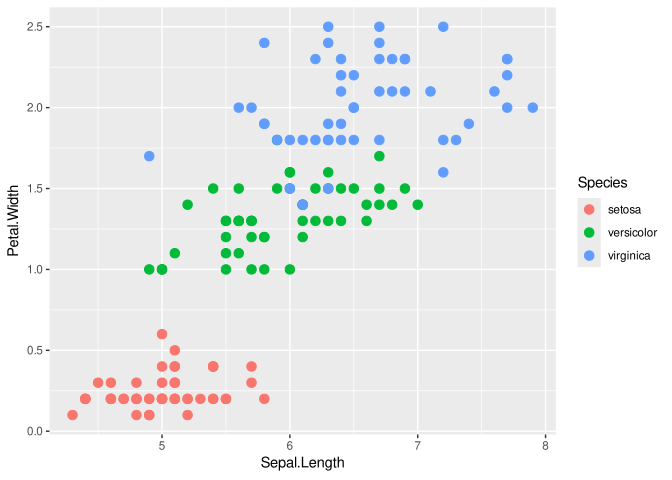
ggplot2 themesThis a quick example to show you how to globally define a theme that can be reused writing less code and improving the consistency in the documents, slides, papers, etc.
When you create a ggplot2 object, the default theme is the theme_gray():
library(ggplot2)
ggplot(iris, aes(x = Sepal.Length, y = Petal.Width, color = Species)) +
geom_point(size = 3) +
theme_gray()
By default, all the theming features can be included with theme():
ggplot(iris, aes(x = Sepal.Length, y = Petal.Width, color = Species)) +
    geom_point(size = 3) +
    theme(axis.title.x = element_text(size = 20, face = "bold"))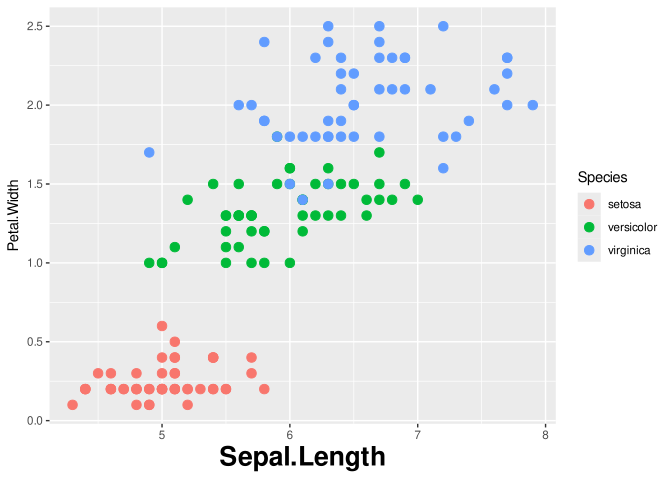
You can avoid copy-and-paste of theming features by creating a new theme function and use the function directly. For example, assume you want:
my_theme <- function(){ # no argument
    theme(
        axis.title = element_text(face = "bold", size = 20),
        legend.position = "bottom",
        plot.title = element_text(hjust = 0.5)
    )
}

ggplot(iris, aes(x = Sepal.Length, y = Petal.Width, color = Species)) +
    geom_point(size = 3) +
    ggtitle("my amazing plot") +
    my_theme()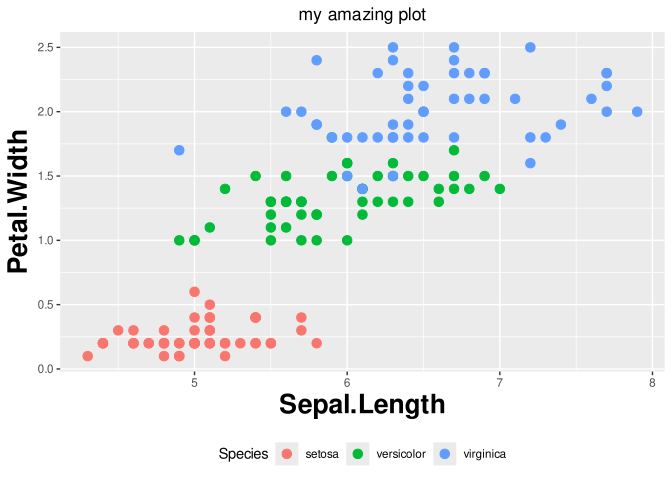
You can easily add other elements to my_theme() and also save the function and import it with source() in other scripts.
An even more general approach is changing, within a script or document, the default theme thus all the next plots will have your custom theme by default.
theme_set(my_theme())

# note that I removed my_theme()
ggplot(iris, aes(x = Sepal.Length, y = Petal.Width, color = Species)) +
    geom_point(size = 3) +
    ggtitle("my amazing plot")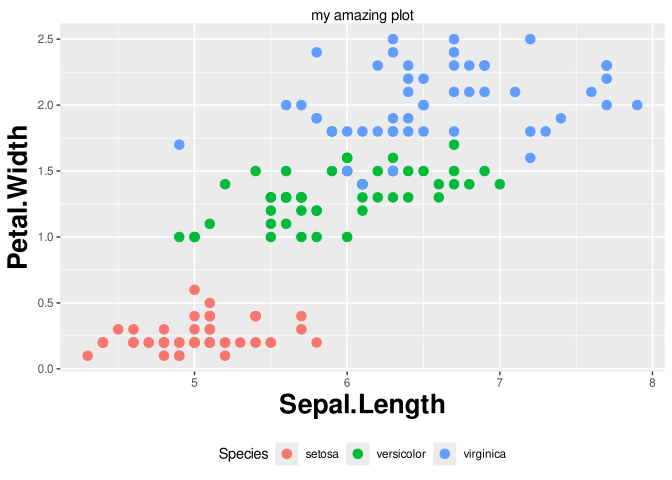
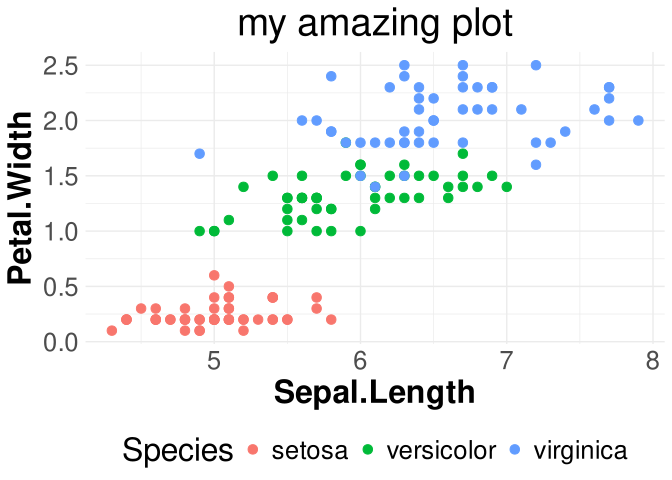
Finally, you can set the font size consistently with a combination of setting the base size of a plot and adjusting the relative size with rel(). For example, I set the base size to 24pt and I made the legend text a little bit smaller and the title a little bit bigger.
my_theme <- function(){ # no argument
    theme_minimal() +
        theme(
        text = element_text(size = 24), # this is the general text
        axis.title = element_text(face = "bold"),
        legend.position = "bottom",
        plot.title = element_text(hjust = 0.5, size = rel(1.2)),
        legend.text = element_text(size = rel(0.8))
    )
}

ggplot(iris, aes(x = Sepal.Length, y = Petal.Width, color = Species)) +
    geom_point(size = 3) +
    ggtitle("my amazing plot") +
    my_theme()